DIYables LCD Keypad Shield for Arduino Uno, Mega
 Click to zoom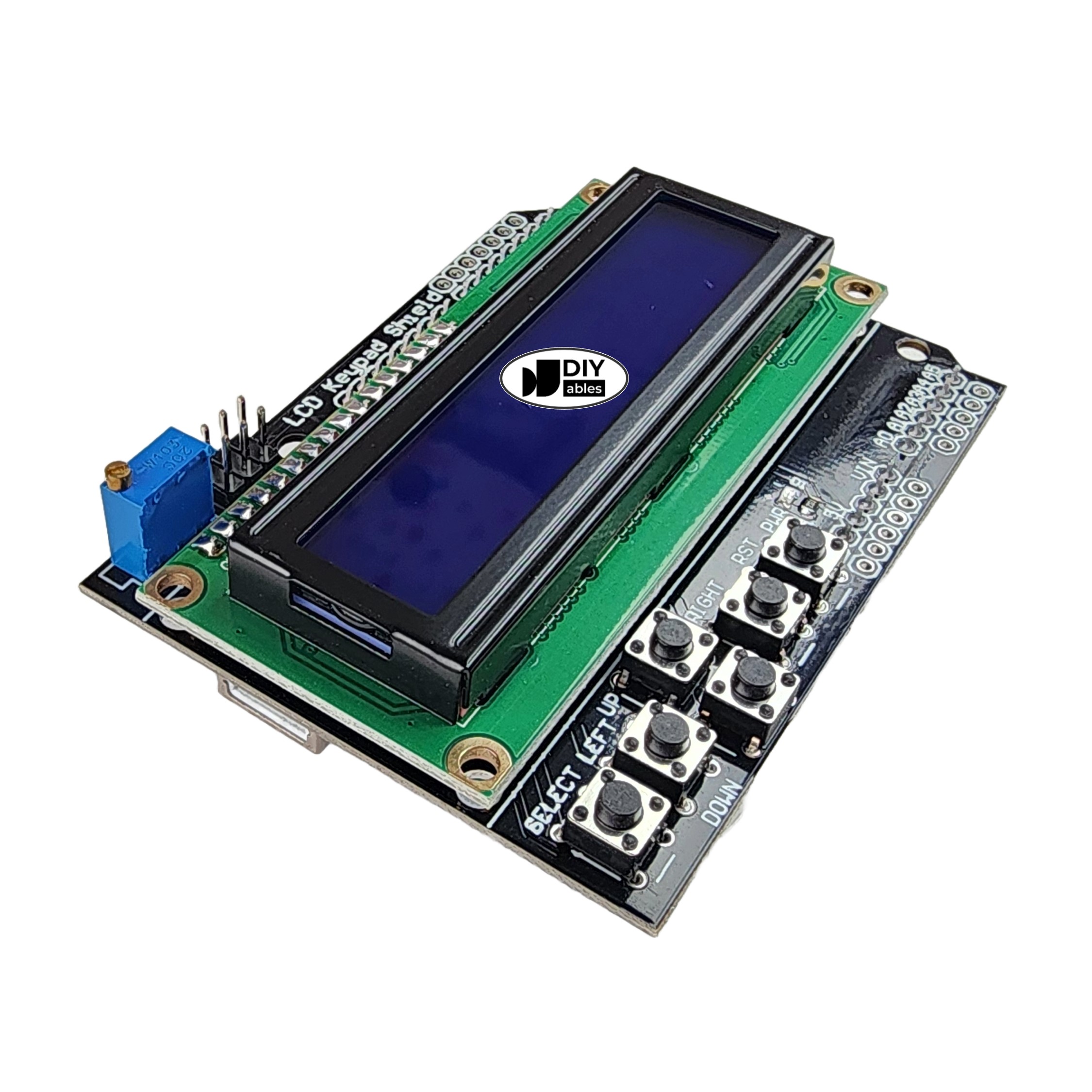
Quick Overview
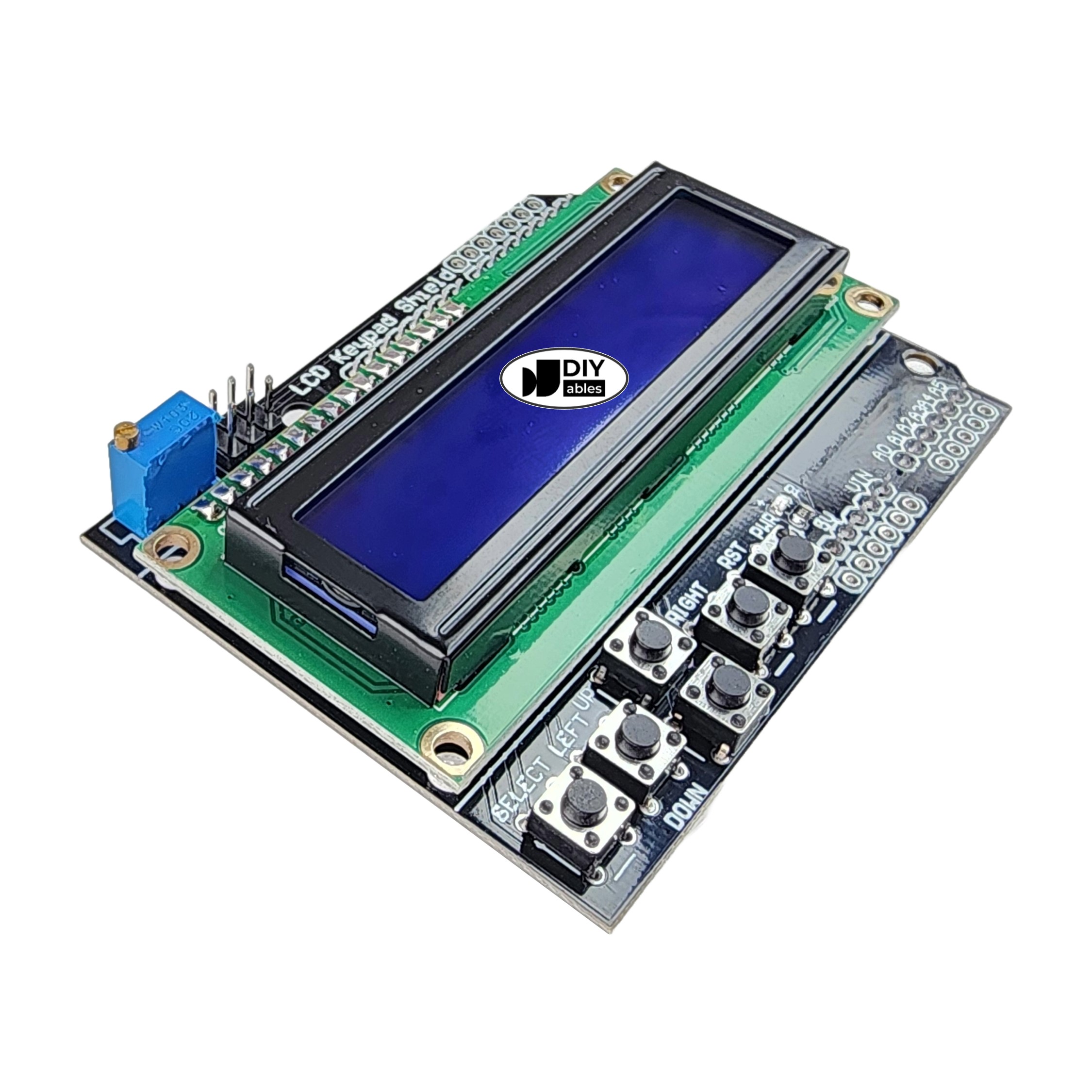
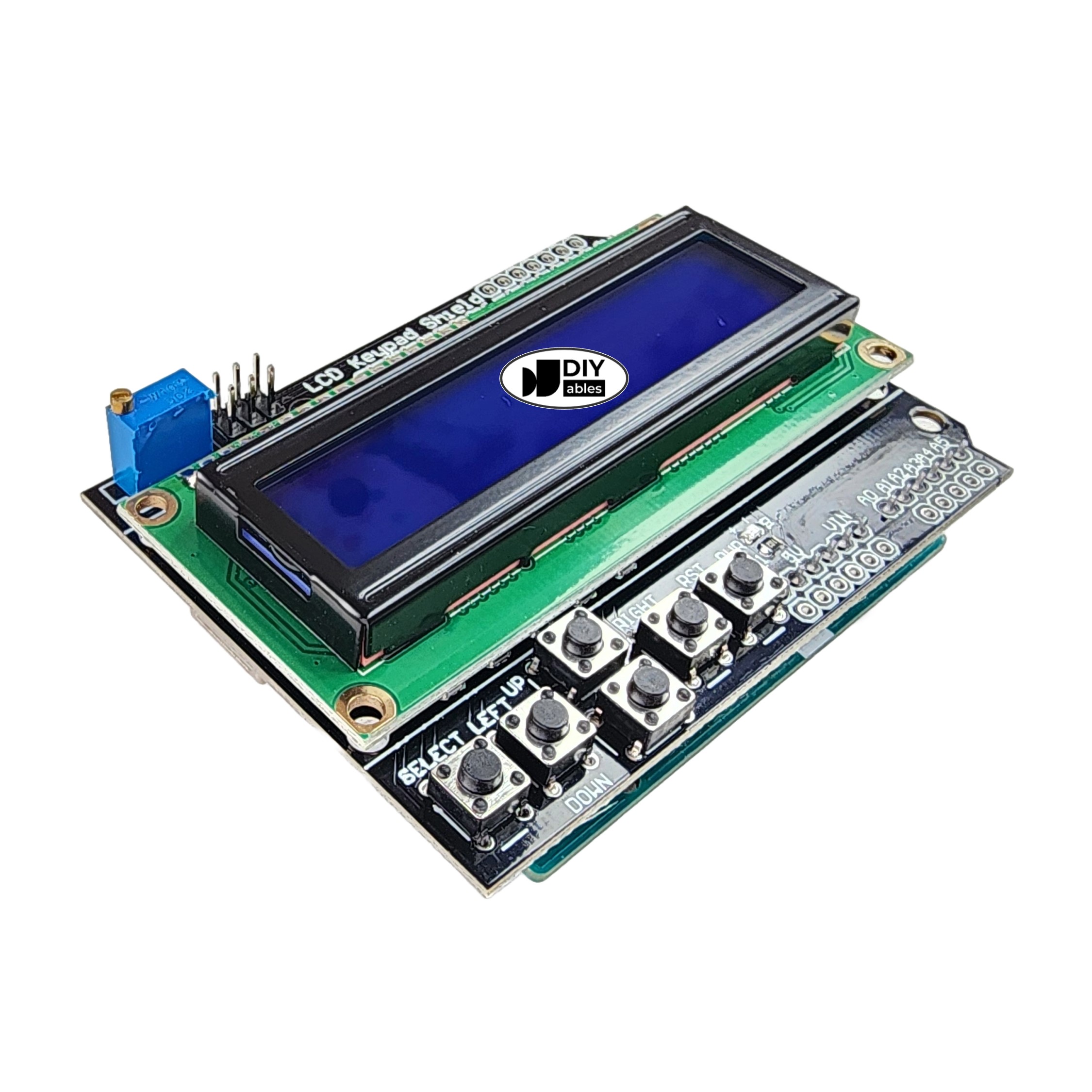
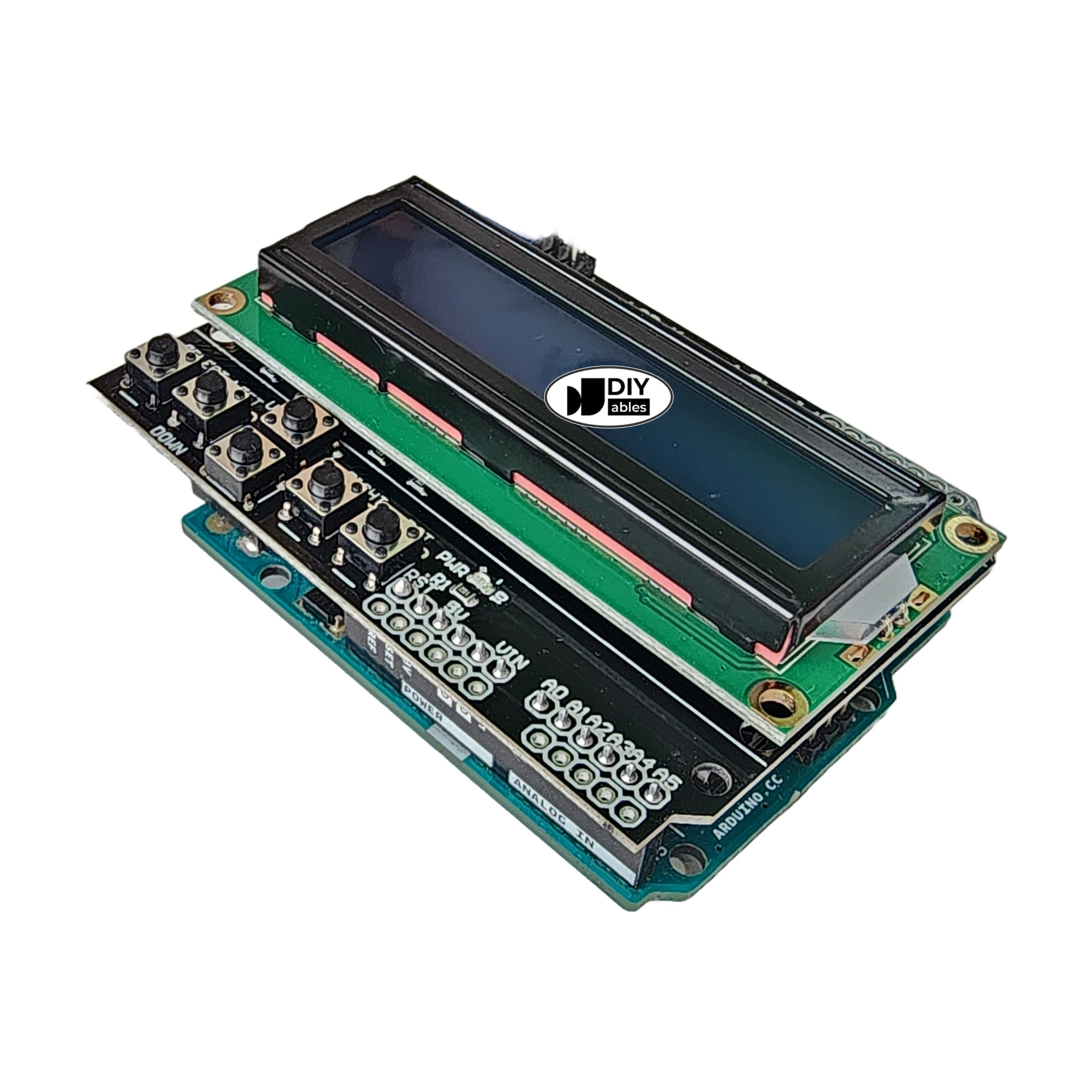
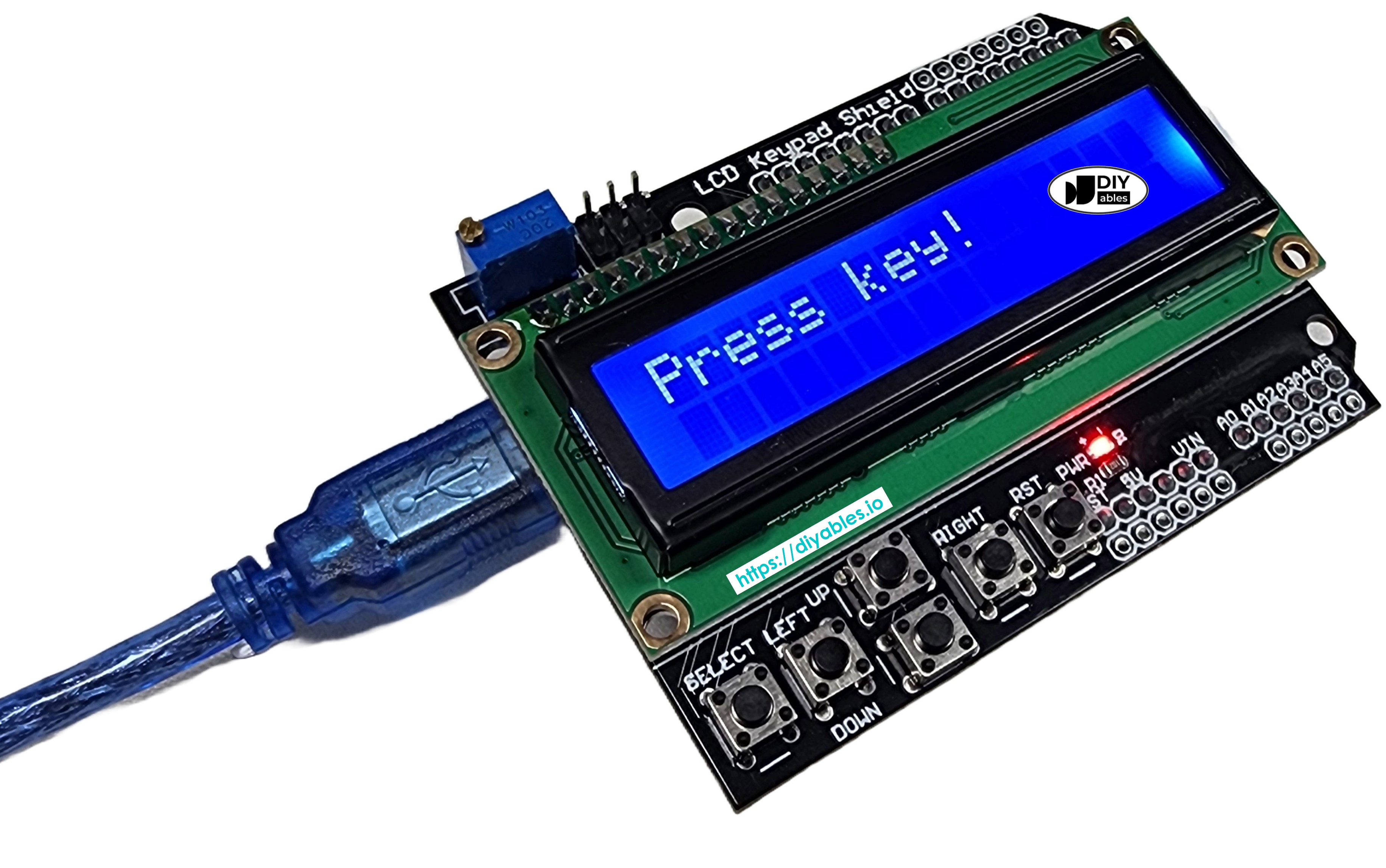
The DIYables LCD 1602 Keypad Shield is the perfect all-in-one user interface solution for Arduino UNO-form factor boards (UNO R3, UNO R4 WiFi, UNO R4 Minima, Leonardo, Zero) and Mega-form factor boards (Mega 2560, Due, Giga R1 WiFi). This integrated shield combines a 16x2 character LCD display with 5 navigation buttons (Select, Up, Down, Left, Right) on a single board, making it ideal for creating interactive menus, control panels, sensor monitoring systems, and user-friendly Arduino projects.
Simply plug the shield onto your Arduino board no wiring, breadboards, or soldering required. The high-contrast LCD screen displays two rows of sixteen characters each, perfect for showing real-time sensor data, system status, menu options, or custom messages. The built-in tactile buttons provide intuitive navigation for menu systems, setting adjustments, and user input without requiring additional components.
Whether you're building a home automation controller, weather station, game console, smart thermostat, or any Arduino project requiring user interaction and feedback, this LCD Keypad Shield provides a professional, ready-to-use interface. Comes as a 2-pack for prototyping multiple projects simultaneously. Complete with library support, comprehensive tutorials, and example code, you can create functional user interfaces in minutes perfect for students, makers, hobbyists, and educators.
Key Features
- All-in-One Display & Keypad Module Integrated 16x2 LCD display with 5 built-in navigation buttons (Select, Up, Down, Left, Right) provides complete user interface solution without additional wiring or components
- Clear 1602 LCD Display High-contrast 16 character x 2 row LCD screen with adjustable backlight delivers crisp, easy-to-read text output for menus, sensor data, status messages, and real-time information
- 5 Navigation Buttons Tactile push buttons for Select, Up, Down, Left, Right enable intuitive menu navigation, setting adjustments, and user input for interactive Arduino applications
- 2-Pack Value Includes two LCD keypad shields for prototyping multiple Arduino projects simultaneously, perfect for students, classrooms, workshops, or backup units
- Universal Compatibility Works with both UNO-form factor boards (Arduino UNO R3, R4 WiFi, R4 Minima, Leonardo, Zero, DIYables STEM boards) and Mega-form factor boards (Mega 2560, Due, Giga R1 WiFi)
- Plug-and-Play Installation Simply stack the shield directly onto Arduino boards with no soldering, breadboard, or complex wiring required setup takes seconds
- Standard LiquidCrystal Library Compatible with Arduino's built-in LiquidCrystal library for easy programming with extensive documentation and community support
- Analog Button Reading All 5 buttons share a single analog pin (A0) using resistor ladder, leaving more digital pins free for sensors, motors, and other components
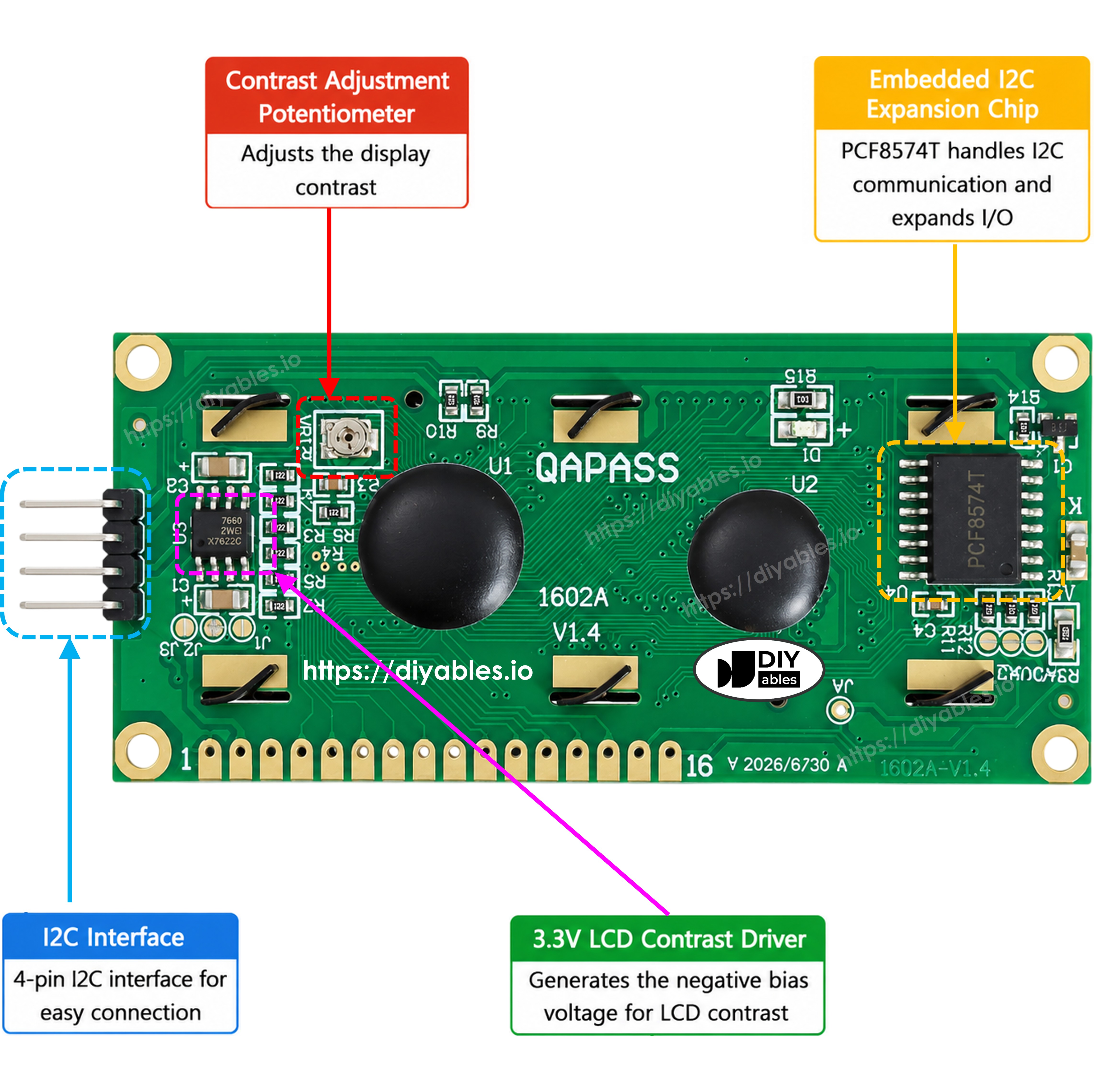
- Adjustable Contrast Built-in potentiometer allows fine-tuning of LCD contrast for optimal readability in different lighting conditions
- Free Online Tutorials Comprehensive step-by-step guides, example code, and project ideas available at arduinogetstarted.com and newbiely.com
- Perfect for Menu Systems Ideal for creating interactive menus, settings configuration, data entry, navigation interfaces, and control panels in Arduino projects
- Versatile Applications Excellent for home automation, sensor monitoring, thermostats, game consoles, data loggers, control systems, STEM education, and interactive displays
SPECIFICATION
| Specification | Value |
|---|---|
| Shield Type | LCD Keypad Shield |
| LCD Display | 16x2 characters (1602) |
| Display Color | Blue backlight / White text |
| LCD Controller | HD44780 compatible |
| Navigation Buttons | 5 buttons (Select, Up, Down, Left, Right) |
| Button Interface | Single analog pin (A0) |
| Contrast Adjustment | Potentiometer (adjustable) |
| Designed for UNO-form factor boards | Arduino UNO R3, UNO R4 WiFi, UNO R4 Minima, Leonardo, Zero, UNO SMD, DIYables STEM V3, DIYables STEM V4 IoT |
| Also works with Mega-form factor boards | Arduino Mega 2560, Arduino Due, Arduino Giga R1 WiFi |
| Form Factor | Universal Arduino Shield |
| Stackable | Yes (with limitations) |
| Dimensions | Standard Arduino shield size |
Library
Tutorials
Arduino Example Code
Tested Hardware
| Board | Tested | Notes |
|---|---|---|
| Arduino Uno R3 | ✅ | Fully supported |
| Arduino Uno R4 WiFi | ✅ | Fully supported |
| Arduino Uno R4 Minima | ✅ | Fully supported |
| Arduino Mega | ✅ | Fully supported |
| DIYables STEM V3 Board | ✅ | Fully supported |
| DIYables STEM V4 IoT Board | ✅ | Fully supported |