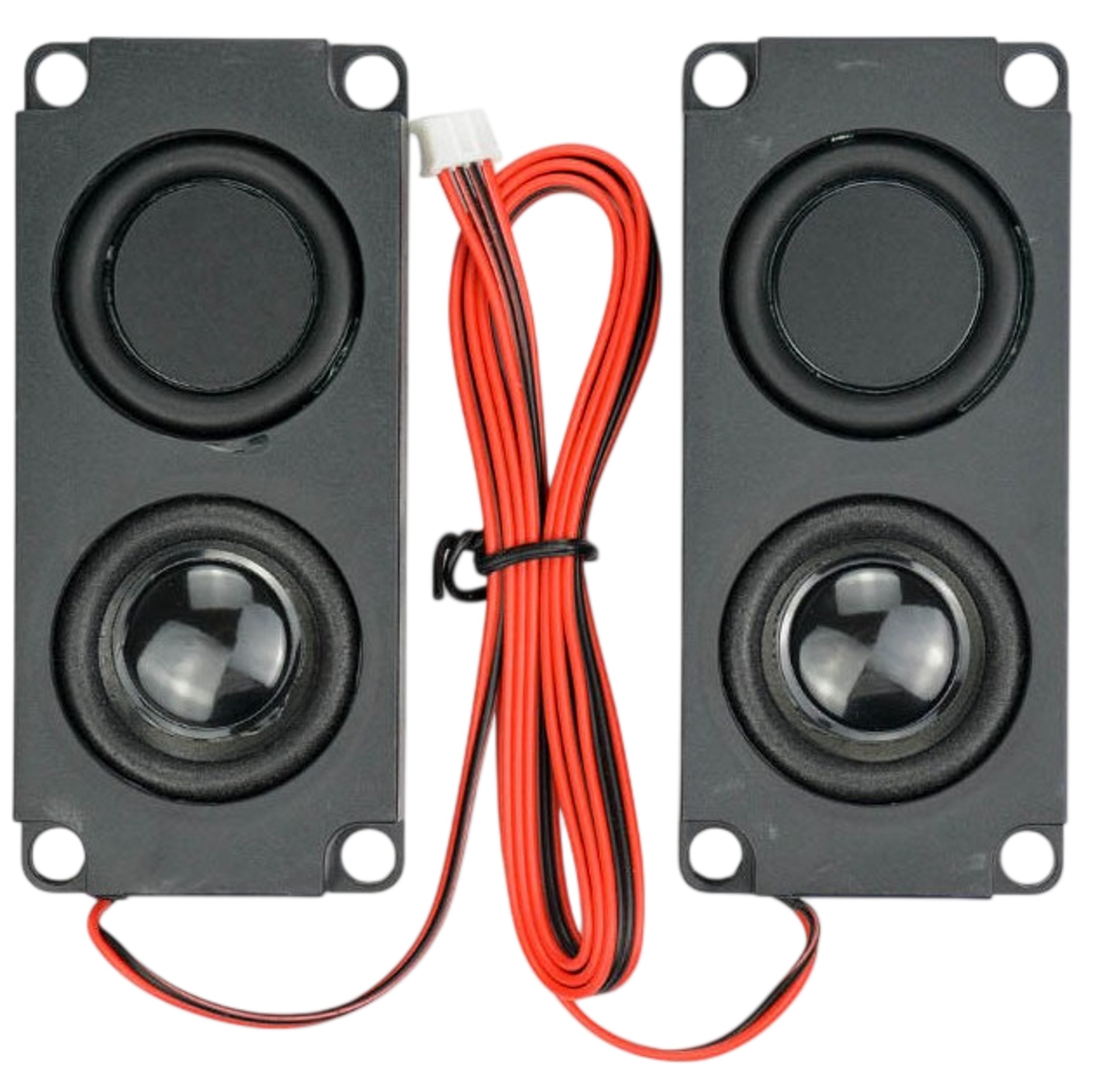
DIYables Mini MP3 Player Module for Arduino, ESP32, ESP8266, Raspberry Pi - Compact Audio Playback for DIY Projects
 Click to zoom


Quick Overview
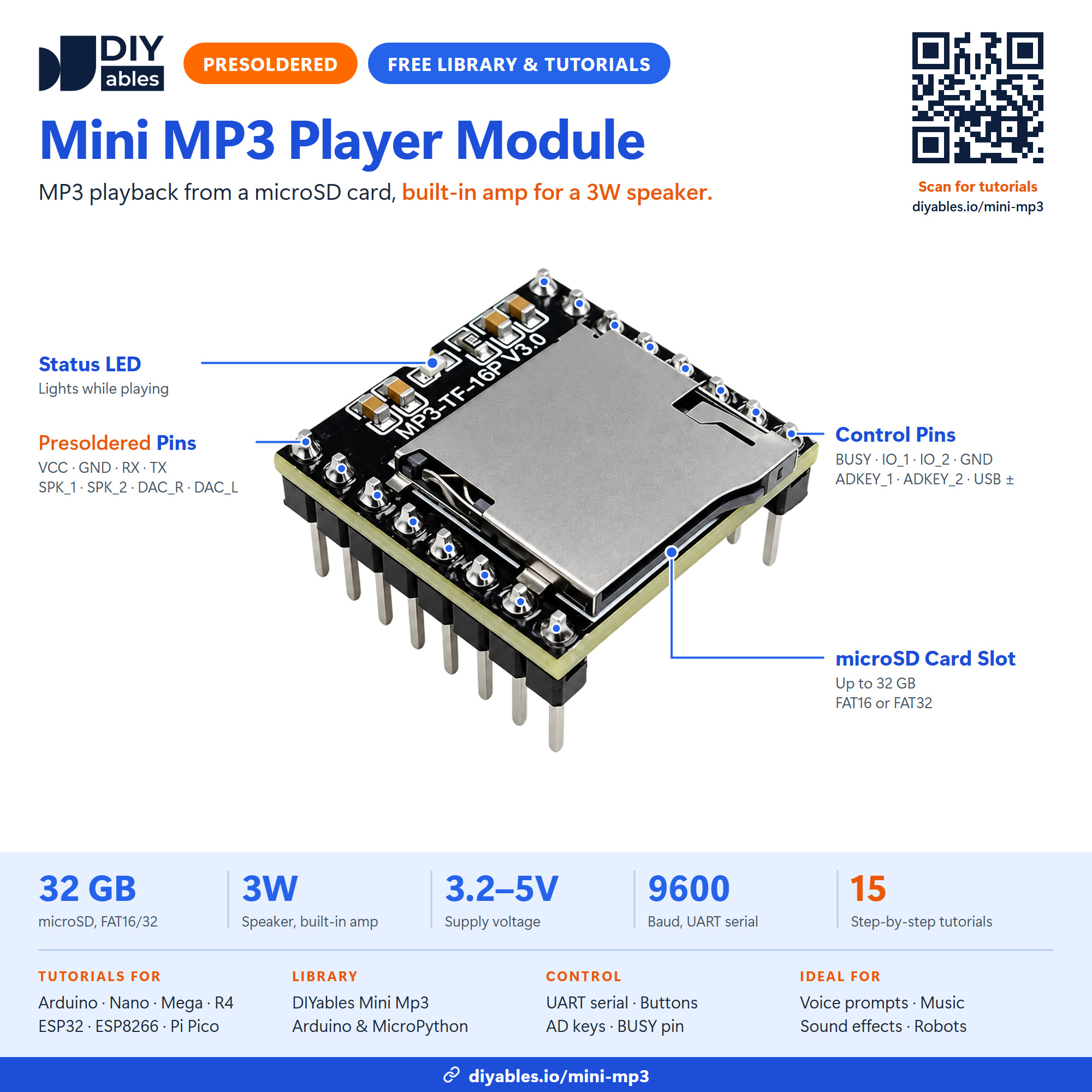
The DIYables mini MP3 player module provides compact audio playback for embedded projects. It plays MP3 files stored on a microSD/TF card (up to 32GB) and communicates via UART serial interface, making it simple to integrate with microcontrollers.
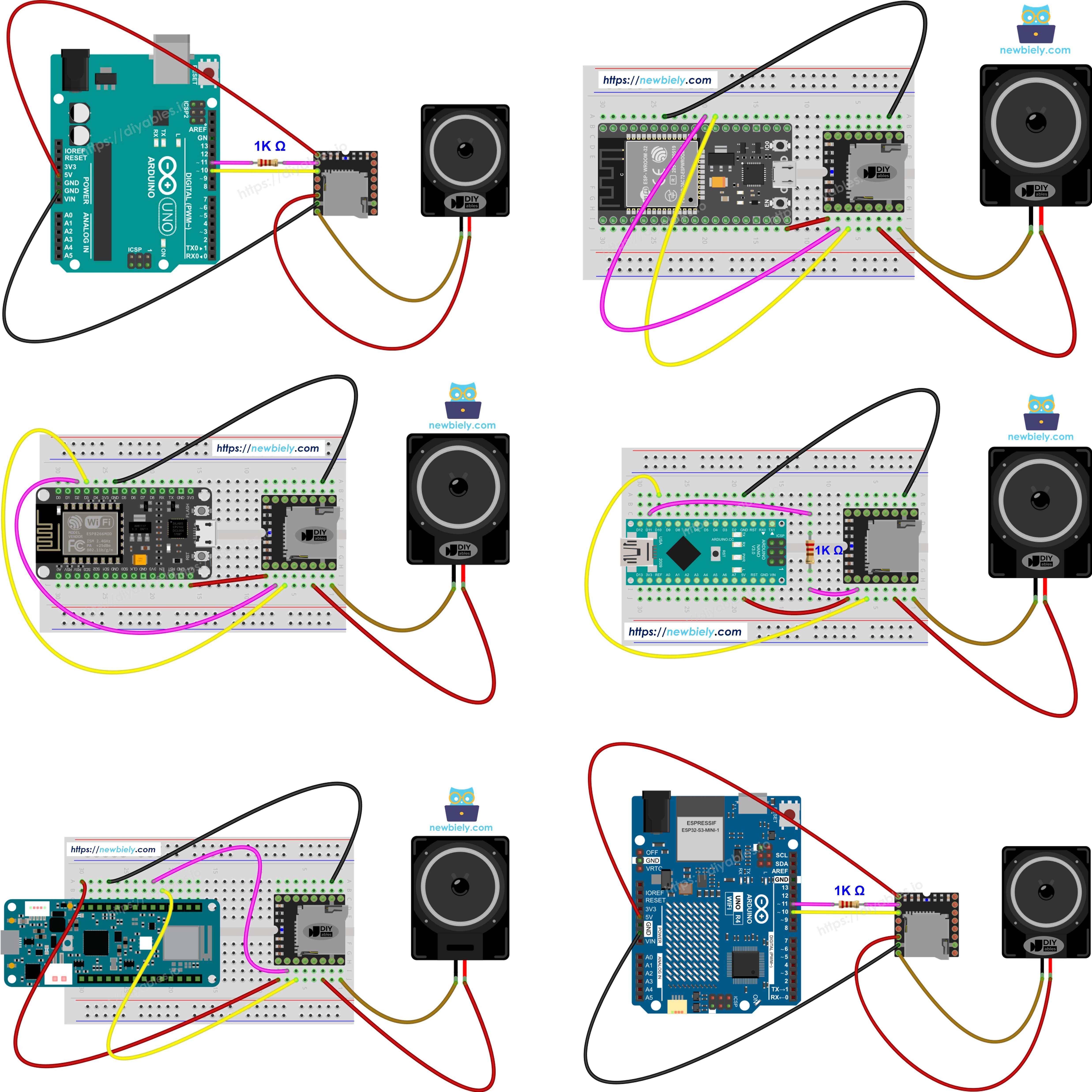
This 2-pack includes two MP3 player modules ideal for robotics, IoT audio applications, voice prompts, sound effects, and DIY electronics. The modules support multiple control modes including onboard button, serial commands, and AD key control. They work with Arduino, ESP32, ESP8266, Raspberry Pi, and other microcontrollers.
Key Features
- Compact Size — Small form factor for space-limited projects
- TF Card Support — Compatible with microSD/TF cards up to 32GB
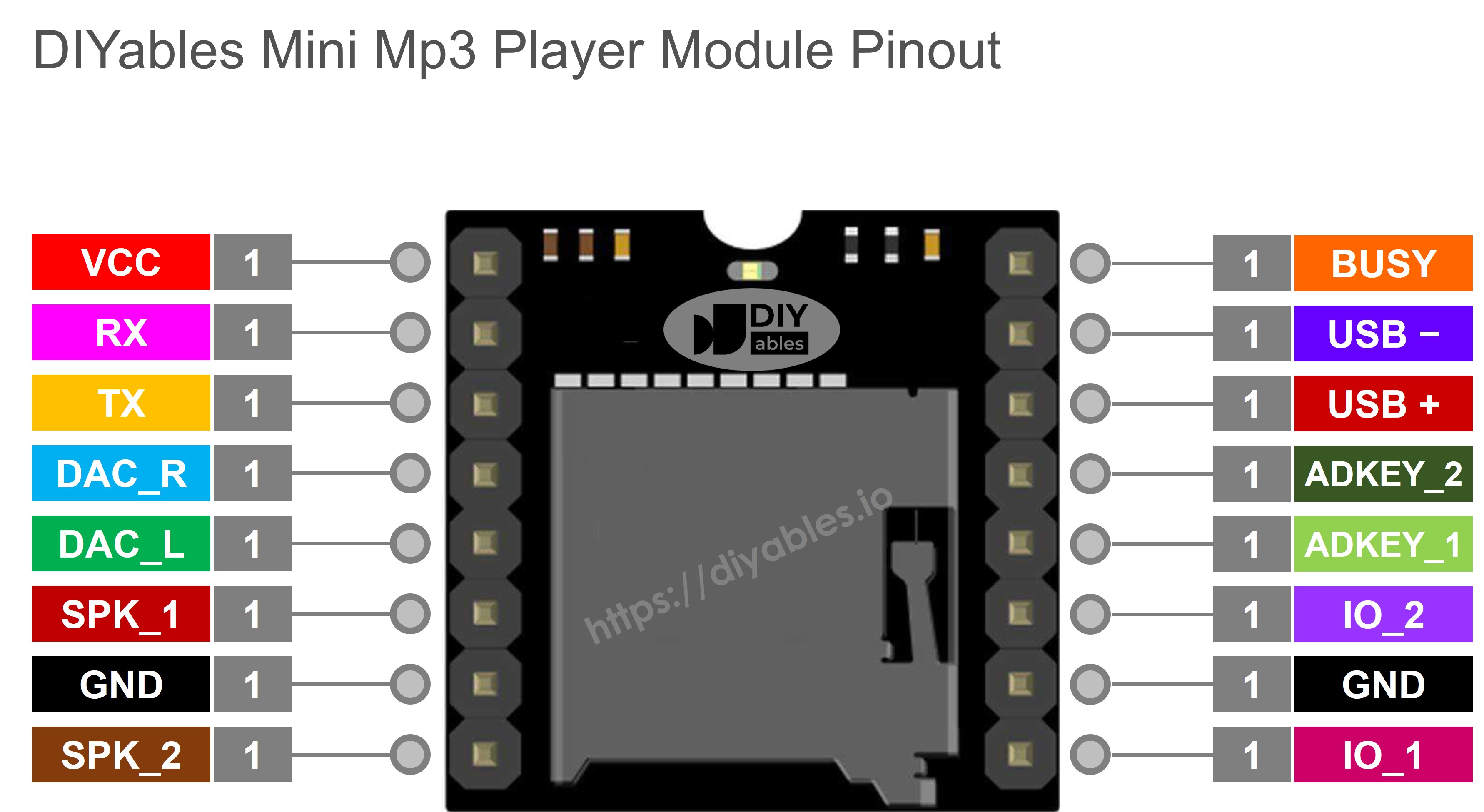
- UART Serial Communication — Simple serial interface for microcontroller control
- Multiple Control Modes — Supports onboard button, serial, and AD key control
- 2-Pack — Includes two modules for multiple projects or backup
- Easy Integration — Beginner-friendly for DIY electronics and robotics
- Tutorial Support — Comprehensive tutorials for Arduino, ESP32, ESP8266, and Raspberry Pi
SPECIFICATION
| Specification | Value |
|---|---|
| Product Type | Mini MP3 Player Module |
| Communication | UART serial interface |
| Storage Support | MicroSD/TF card up to 32GB |
| Control Modes | Onboard button, Serial commands, AD key control |
| Audio Format | MP3 |
| Operating Voltage | 3.2V - 5V DC |
| Output | Speaker terminals and 3.5mm audio jack |
| Baud Rate | 9600 bps (default) |
| Dimensions | Compact mini module |
| Package Quantity | 2 pieces |
HOW IT WORKS
Your microcontroller plays each song by its track number. For example, mp3.play(1) plays track 1 and mp3.play(2) plays track 2. Track numbers start from 1.
Track numbers follow the copy order, not the file names
The module numbers the MP3 files in the order they were copied to the microSD card. The file names do not decide the order. If you copy hello.mp3 first and then alarm.mp3, hello.mp3 is track 1 and alarm.mp3 is track 2, even though alarm.mp3 comes first by name.
Prepare the microSD card
- Format the microSD card (up to 32GB) as FAT16 or FAT32.
- Copy the MP3 files to the root of the card one by one, in the order you want them to play.
- Name the files 001.mp3, 002.mp3, 003.mp3 and so on, so their names match their track numbers and are easy to manage.
Numbered folders
You can also sort the files into folders named 01 to 99, with files named 001.mp3 to 255.mp3 inside each folder. Then your code plays a track by its folder number and track number.
Tutorials
- Arduino - Mini Mp3 Player Module
- Arduino Uno R4 - Mini Mp3 Player Module
- Arduino Nano - Mini Mp3 Player Module
- Arduino Nano ESP32 - Mini Mp3 Player Module
- Arduino Nano 33 IoT - Mini Mp3 Player Module
- Arduino MKR WiFi 1010 - Mini Mp3 Player Module
- Arduino Mega - Mini Mp3 Player Module
- Arduino Giga R1 WiFi - Mini Mp3 Player Module
- ESP32 - Mini Mp3 Player Module
- ESP32-C3 Super Mini - Mini Mp3 Player Module
- ESP32-S3 - Mini Mp3 Player Module
- ESP32-S3 Uno - Mini Mp3 Player Module
- ESP32 MicroPython - Mini Mp3 Player Module
- ESP8266 - Mini Mp3 Player Module
- Raspberry Pi Pico - Mini Mp3 Player Module
COMPATIBLE HARDWARE
- Arduino boards (UNO, Mega, Nano, etc.)
- ESP32 development boards
- ESP8266 (NodeMCU, Wemos D1, etc.)
- Raspberry Pi (all models)
- Any microcontroller with UART serial communication