DIYables 25 Push Buttons with Caps, 5 Colors (Yellow, Black, White, Blue, Red), 12x12x7.3mm, Plastic & Metal, Packed in Plastic Box for DIY Electronics
 Click to zoom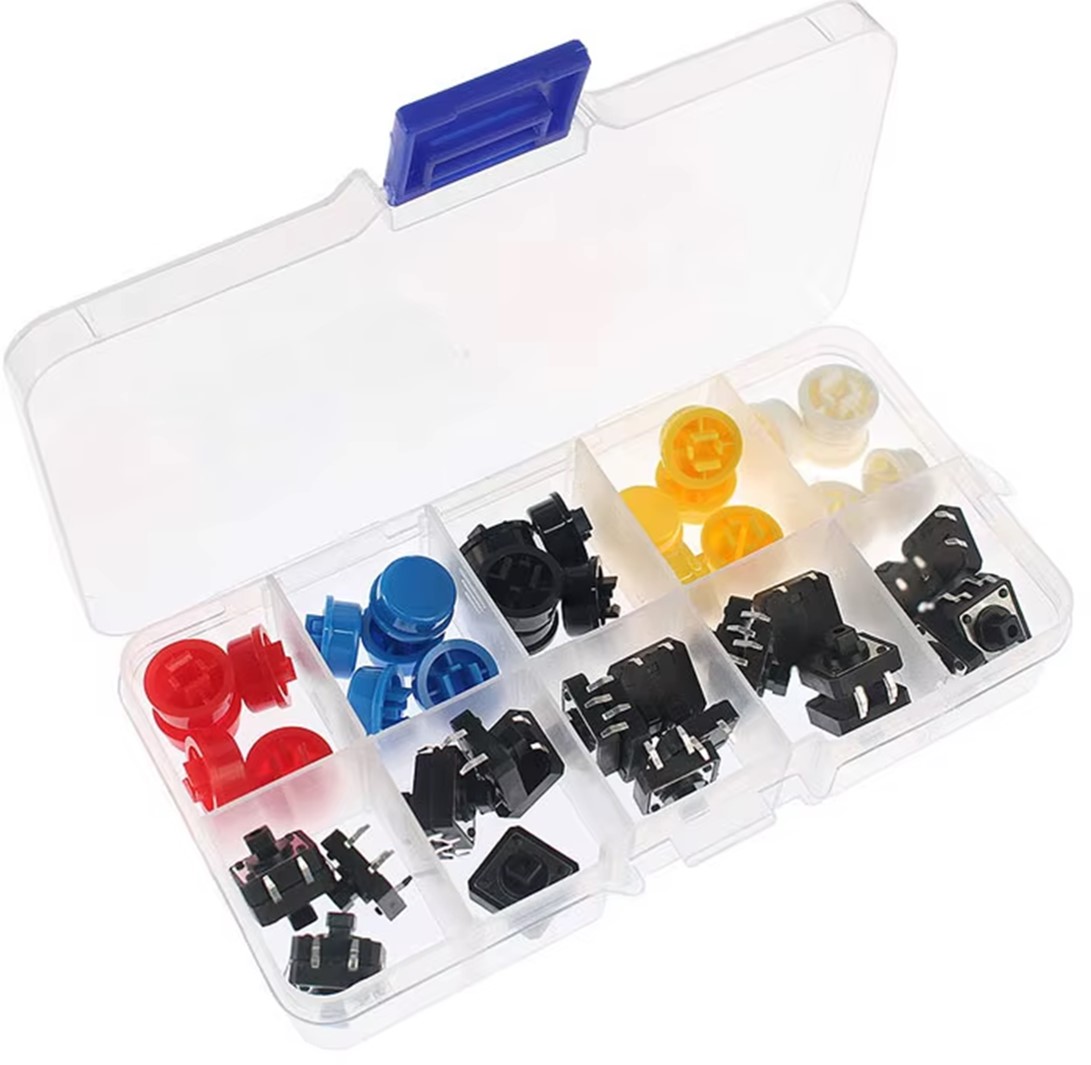
Quick Overview
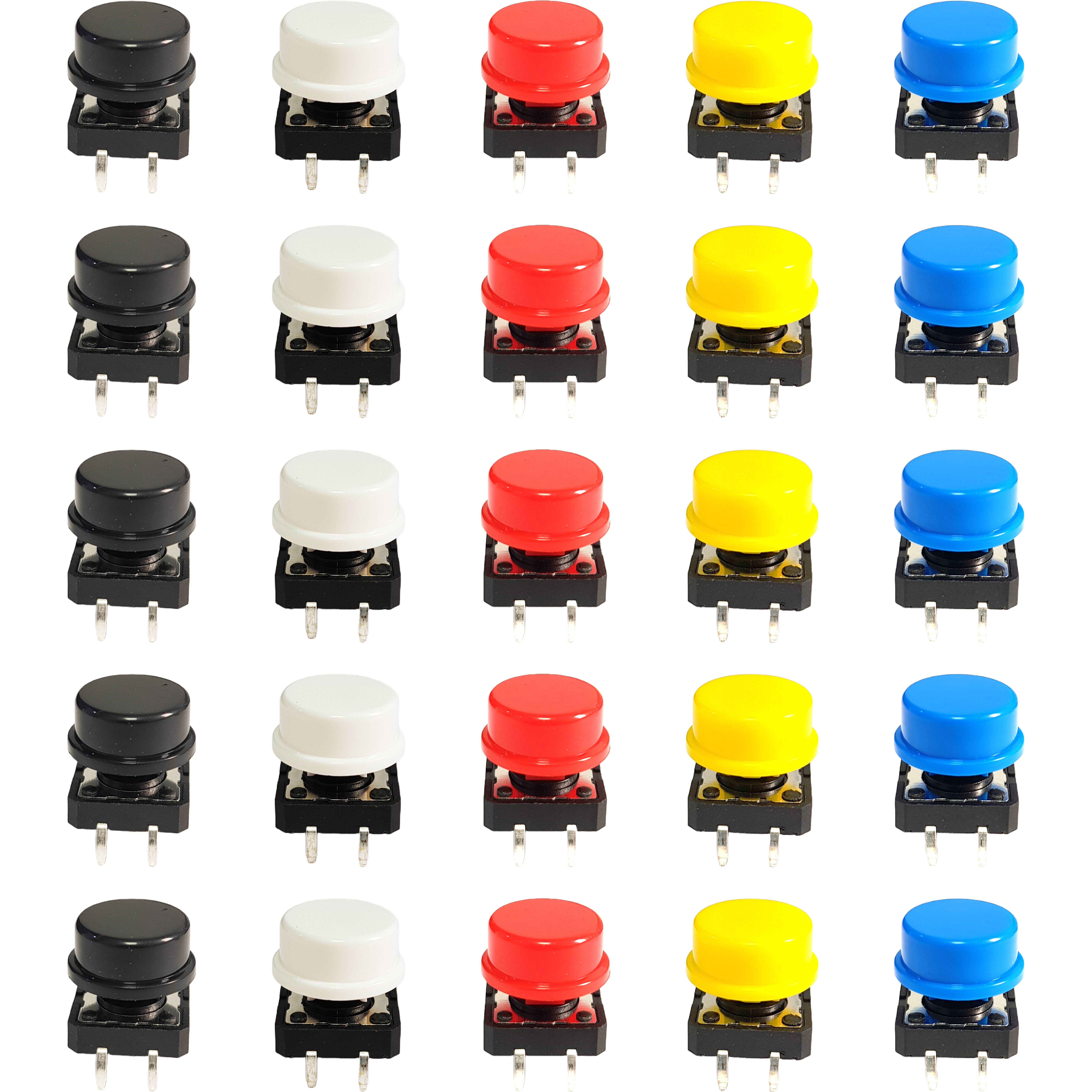
This DIYables kit contains 25 tactile push buttons together with 25 snap-on caps in five colours: yellow, black, white, blue, and red. The switches are the common 12 x 12 x 7.3mm four-pin type with a metal dome contact, giving a firm, audible click and a clear tactile edge when pressed. Caps push onto the plunger and lift off again, so a button can be recoloured at any point in a build without desoldering.
Colour is the practical reason to choose a capped button over a bare one. On a panel or a breadboard with several controls, red for stop, green or blue for run, and white or black for mode turns an unlabelled row of identical switches into something readable at a glance. The larger 12mm body is also easier to press accurately than a 6mm tactile switch, which matters for enclosure-mounted controls and for younger hands in a classroom.
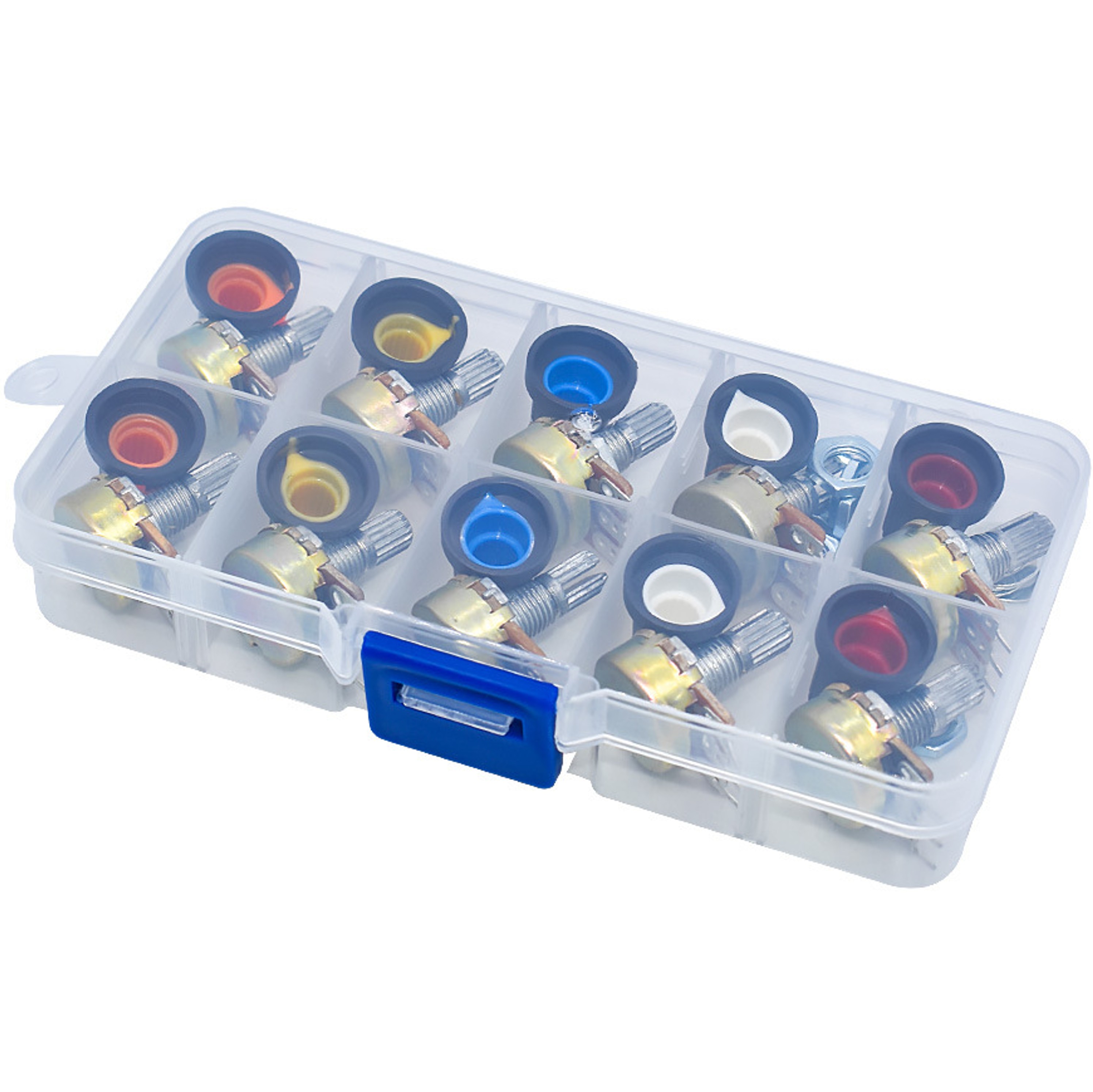
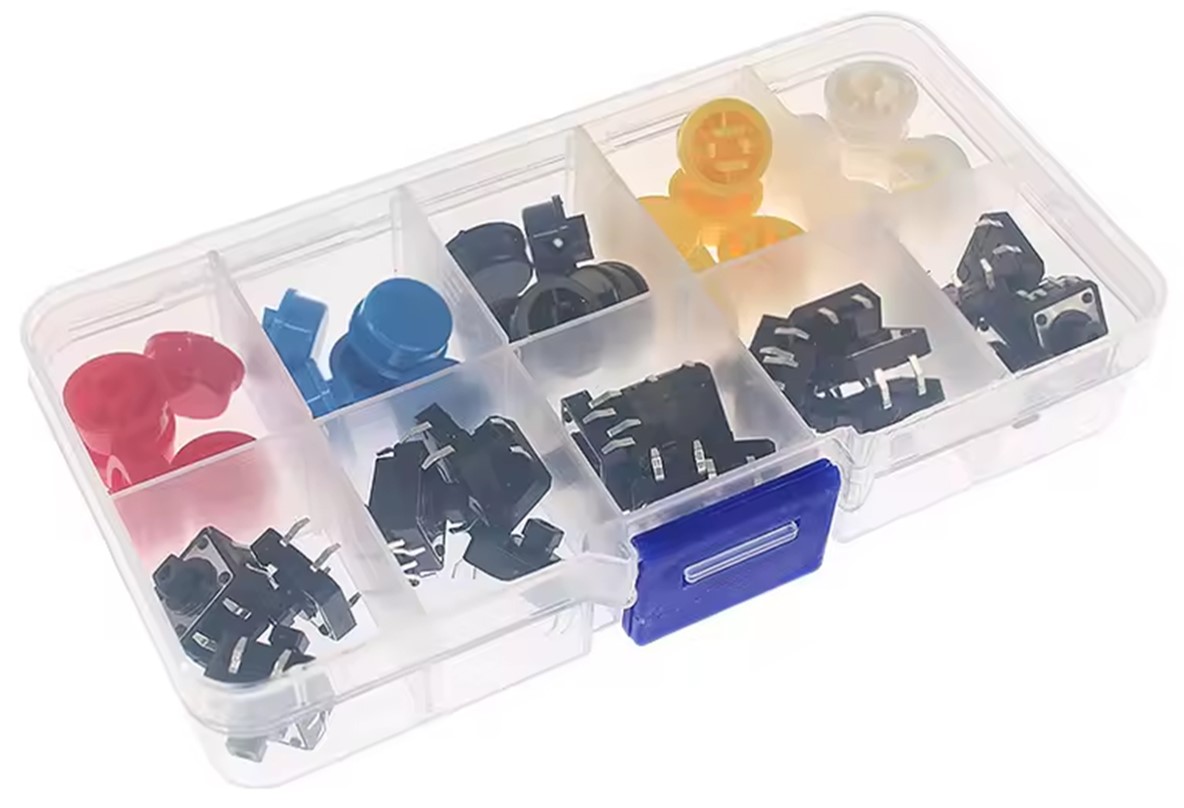
The whole set arrives in a compartmented plastic storage box with a latching lid, so caps and switches stay sorted by colour instead of loose in a drawer. Ideal for control panels, game controllers, menu and navigation inputs, alarm and reset buttons, and any project needing clearly distinguished manual input on Arduino, ESP32, ESP8266, or Raspberry Pi.
Key Features
- 25 Buttons with 25 Caps — A full set of switches and matching caps, ready to use with nothing else to buy
- Five Cap Colours — Yellow, black, white, blue, and red make each control identifiable at a glance on a crowded panel
- 12 x 12 x 7.3mm Body — Larger than a 6mm tactile switch and easier to press accurately, including through an enclosure
- Snap-On Removable Caps — Caps push on and lift off, so a button can be recoloured without desoldering
- Metal Dome Contact — Firm, audible click with a clear tactile edge for confident presses
- Four Pin Through-Hole Mount — Standard footprint that seats securely in a breadboard or PCB
- Momentary Normally Open Action — Closes only while held, the standard behaviour for digital input reading
- Works at 3.3V and 5V — Suits Arduino at 5V and ESP32, ESP8266, and Raspberry Pi at 3.3V
- Compartmented Storage Box — Latching plastic case keeps caps and switches sorted by colour between projects
- Tutorial Support — Step by step button tutorials for Arduino, ESP32, ESP8266, and Raspberry Pi
SPECIFICATION
| Specification | Value |
|---|---|
| Product Type | Tactile Push Button with Cap Kit |
| Quantity | 25 buttons + 25 caps |
| Button Size | 12 x 12 x 7.3mm |
| Pin Count | 4 pins |
| Switch Type | Momentary tactile, normally open |
| Cap Colours | Yellow, black, white, blue, red |
| Cap Fitting | Snap-on, removable |
| Materials | Plastic caps and body, metal contacts |
| Mounting | Through-hole, breadboard and PCB |
| Voltage Compatibility | 3.3V and 5V microcontrollers |
| Packaging | Compartmented plastic storage box |
| Compatibility | Arduino, ESP32, ESP8266, Raspberry Pi, any digital input |
| Applications | Control panels, game controllers, menu navigation, reset and alarm buttons, education |
PACKAGE
A package includes:
| Qty | Items |
|---|---|
| 25 | Tactile Push Buttons (12 x 12 x 7.3mm, 4 pin) |
| 25 | Snap-On Button Caps (yellow, black, white, blue, red) |
| 1 | Compartmented Plastic Storage Box |
Tutorials
- Arduino - Push Button tutorial
- Arduino Uno R4 - Button
- Arduino Uno Q - Push Button tutorial
- Arduino Nano - Push Button tutorial
- Arduino Nano ESP32 - Push Button tutorial
- Arduino Nano 33 IoT - Push Button tutorial
- Arduino Mega - Push Button tutorial
- Arduino MKR WiFi 1010 - Push Button tutorial
- Arduino Giga R1 WiFi - Push Button tutorial
- Arduino MicroPython - Push Button tutorial
- ESP32 - Push Button tutorial
- ESP32-C3 Super Mini - Push Button tutorial
- ESP32-S3 - Push Button tutorial
- ESP32-S3 Uno - Push Button tutorial
- ESP32 MicroPython - Push Button tutorial
- ESP8266 - Push Button tutorial
- Raspberry Pi - Push Button tutorial
- Raspberry Pi Pico - Button
COMPATIBLE HARDWARE
- Arduino boards (UNO, Mega, Nano, etc.) — Digital input pins with INPUT_PULLUP enabled
- Arduino Uno R4 WiFi and Minima — Digital input pins with internal pull-ups
- ESP32 development boards — 3.3V digital inputs with internal pull-ups
- ESP8266 boards (NodeMCU, Wemos D1, etc.) — 3.3V digital inputs
- Raspberry Pi (all models) — GPIO inputs with pull-ups configured in software
- Raspberry Pi Pico — GPIO inputs with internal pull-ups
- Breadboards — Four pins straddle the centre channel on the standard grid
- Custom PCBs — Standard 12 x 12mm four-pin through-hole footprint
- Project enclosures — Larger cap presses cleanly through a panel cutout
- Any microcontroller with digital inputs — Wire between a pin and ground